QA and testers
Writing the same repro steps for the third time this week.
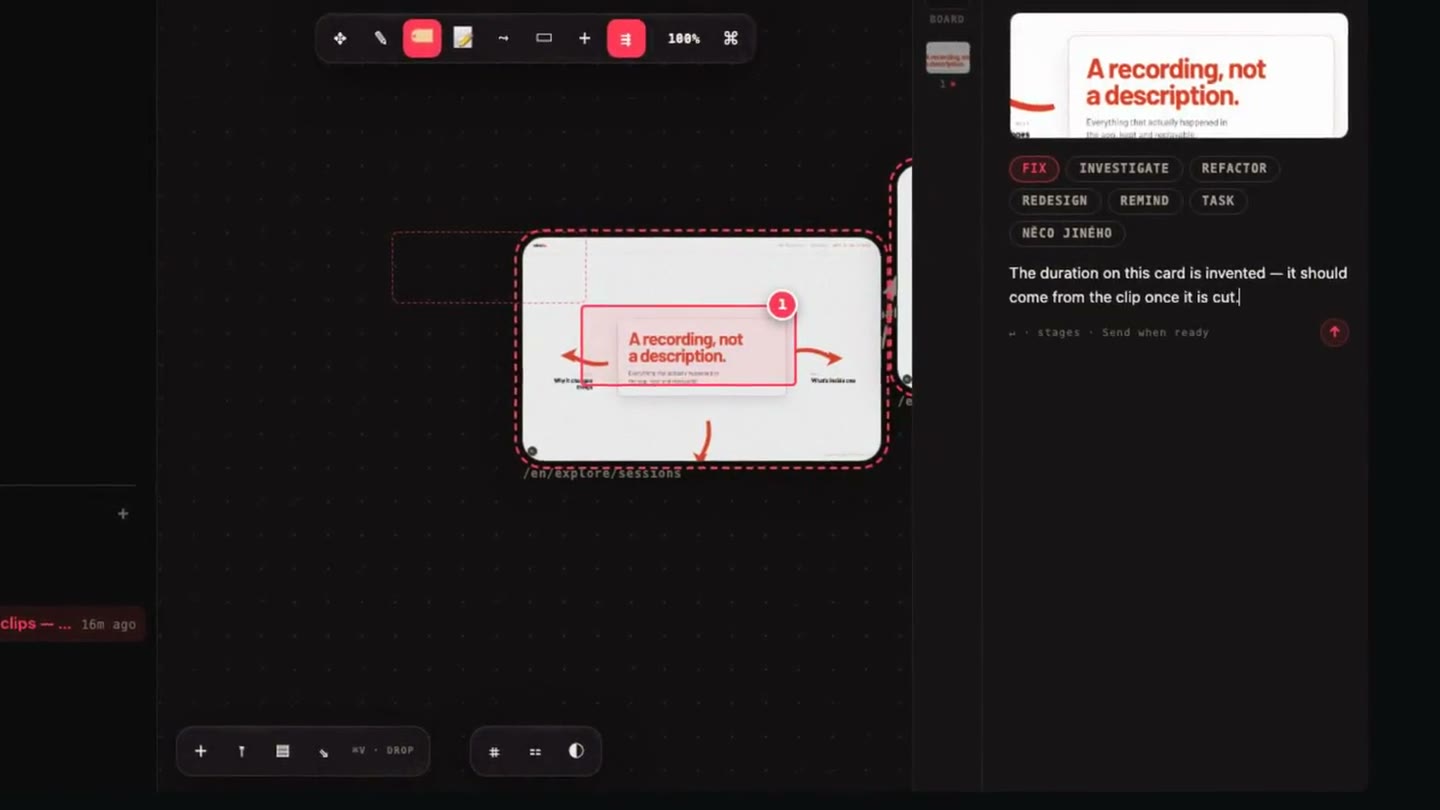
Circle what is wrong on the screen and say one sentence. The recording, the network log and the console go with it.
Run the loop yourselfCircle what looks wrong, say one sentence, move to the next case. The repro steps write themselves.
Pick up, build, hand back. The task, the branch and the proof keep themselves current — and a bug arrives already reproduced.
The board is the status report, and it writes itself while the work happens.
Open any compartment
The whole loop, in one take
A tester circles what looks wrong. An agent picks it up, fixes it, and hangs the after-shot beside the original. No repro steps in between.
0:31Who is on the other end
The same board is read differently by each of them — nobody has to learn the others' tools.
Which one are you?
Writing the same repro steps for the third time this week.
Circle what is wrong on the screen and say one sentence. The recording, the network log and the console go with it.
Run the loop yourself“Cannot reproduce — works on my machine.”
Your day is the record. Picking a task up and handing it back writes its timeline; the commit trailer, the runs, the pull requests and — once you opt in — the time you and your agents spend attach themselves. When something breaks, the frozen frame, the DOM replay and the failing request are waiting before you open the editor.
See how the day records itselfA status meeting to find out what actually shipped.
Every task keeps its history, its evidence and its decisions, and Eve distils them into the morning brief. Keep Jira if you want it; the project mirrors, and nothing depends on it.
See how the memory worksLook inside the vitrína
01
An infinite canvas where the screen itself is the ticket.
Annotate on the thing itselfRead the QA docs02
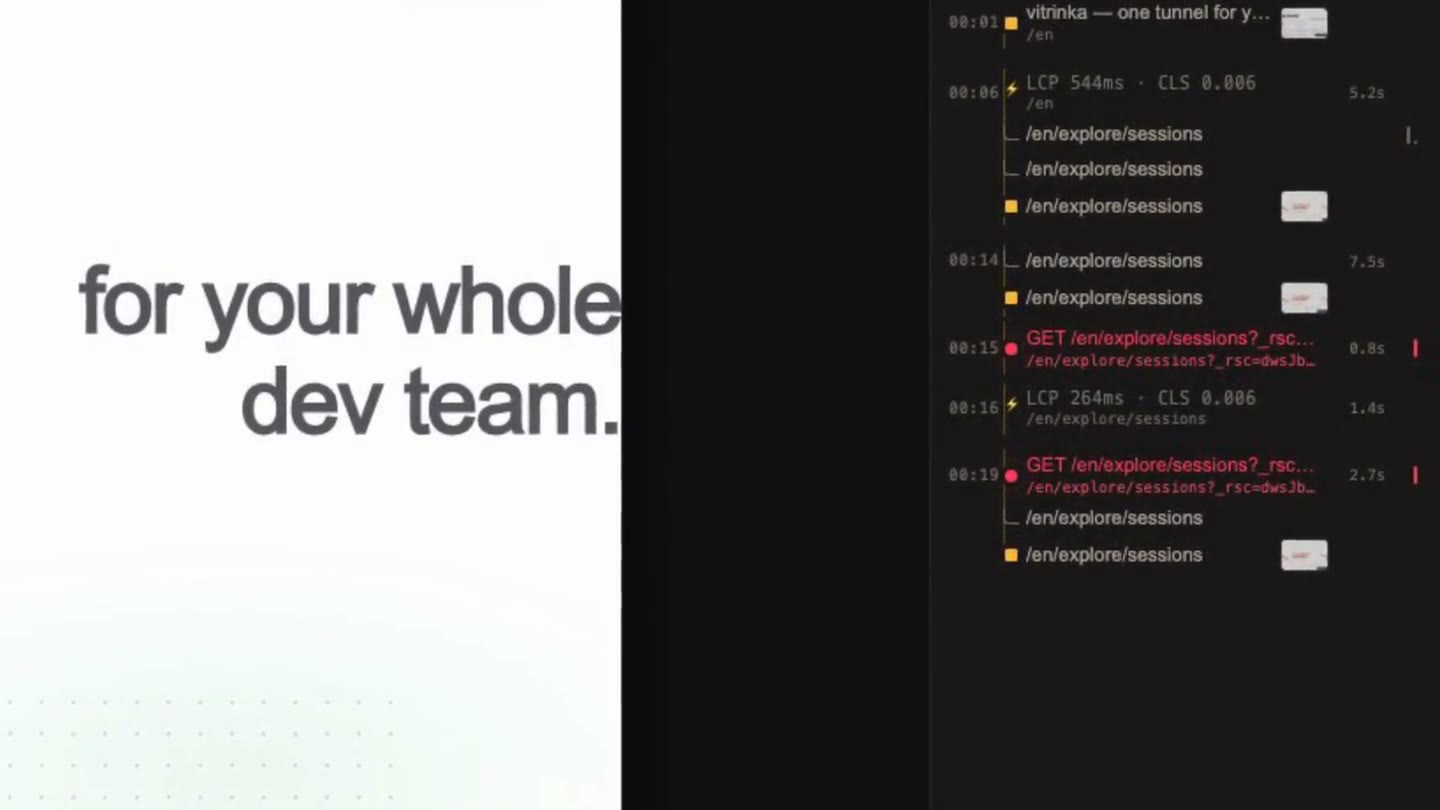
A recording of what actually happened, not a description of it.
DOM replay, network, consoleRead about sessions03
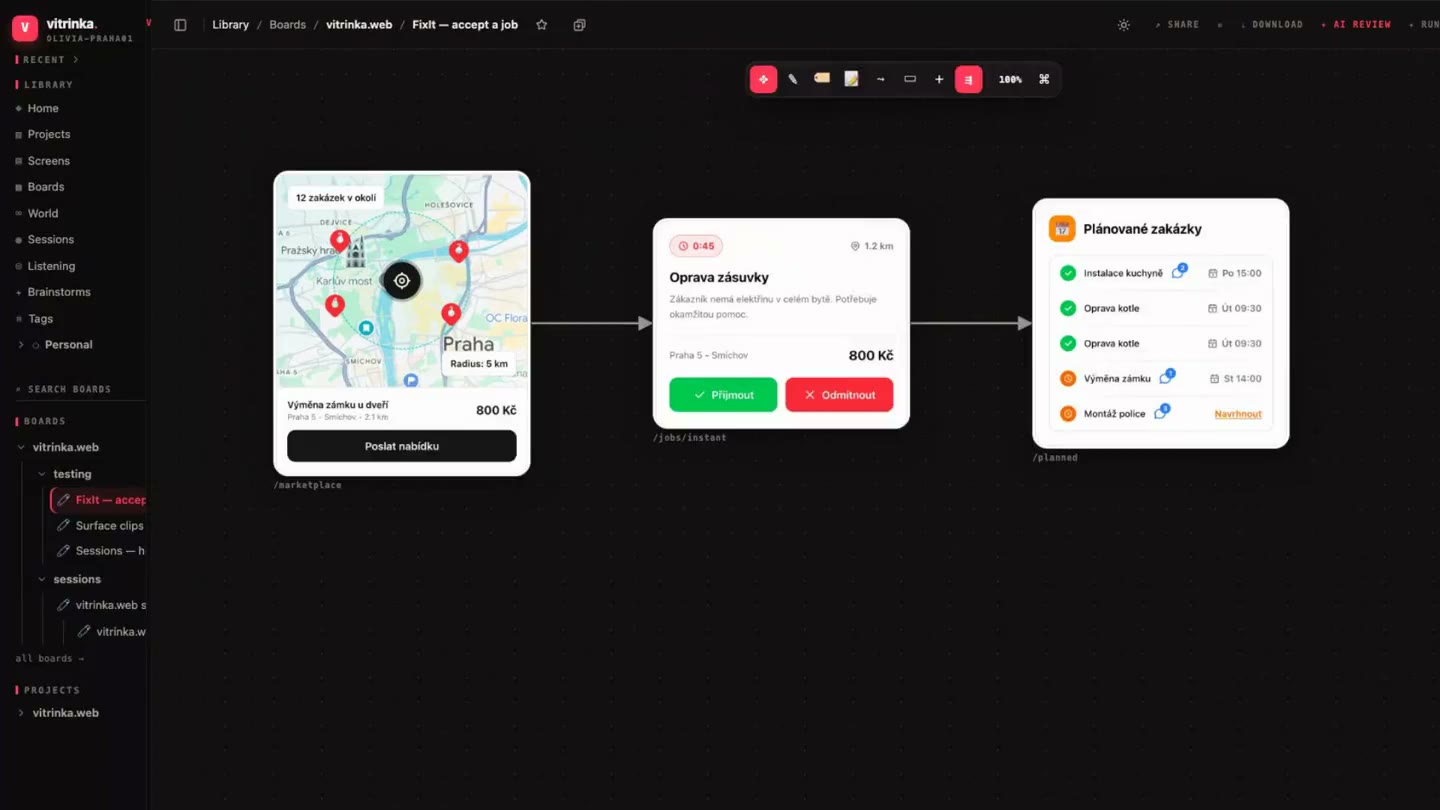
Whole flows, screen by screen, wired together.
Screens wired into flowsRuns from your own suiteRead about the recorder04
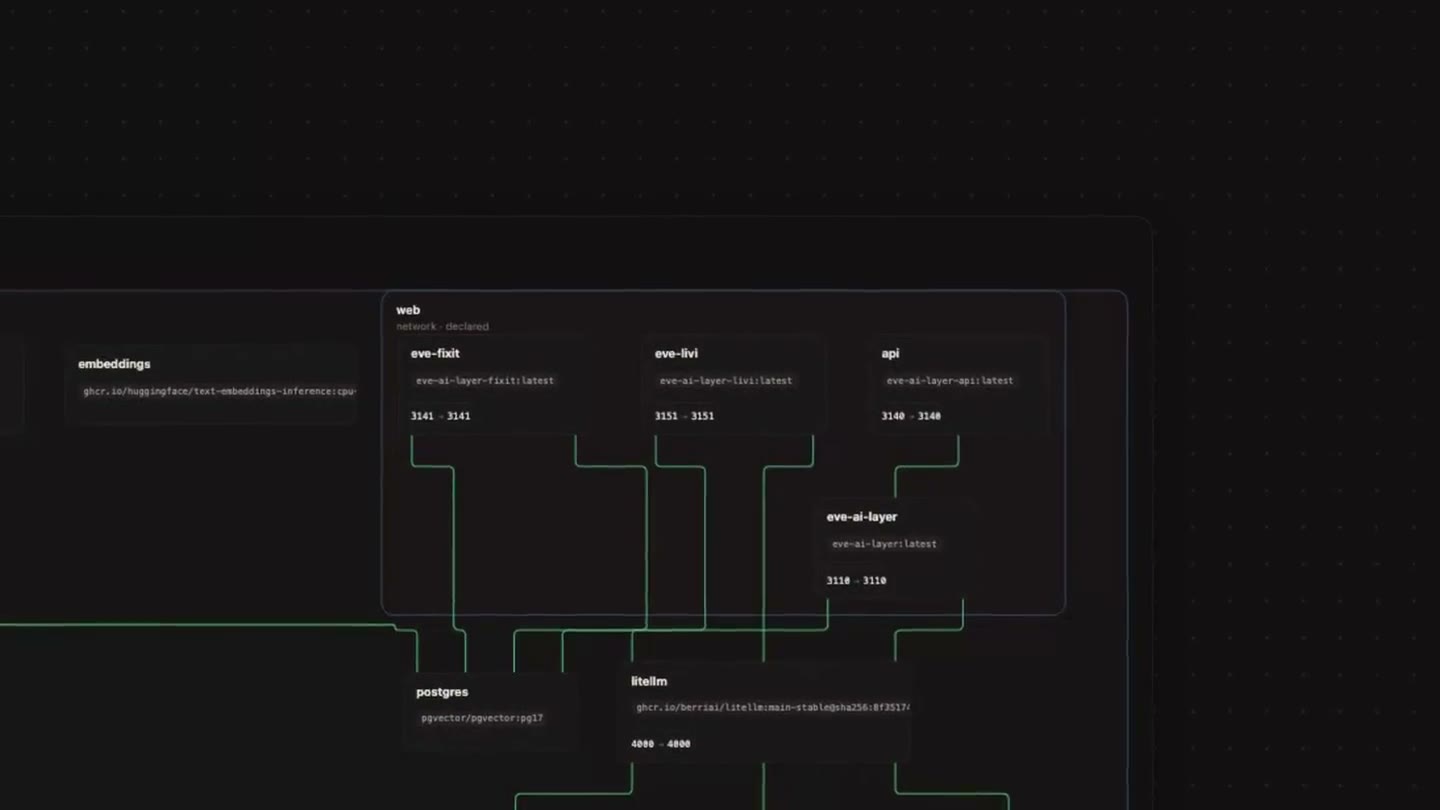
Architecture drawn from your real configuration, not from memory.
Drawn from your real configRead about diagrams05
Reports and pages an agent wrote, live on the canvas and still true next month.
Reports and pages that stay liveRead about authoring documents06
Your agent publishes to it in one command.
Claude Code, Codex, any MCPRead about connecting an agent07
The project's memory, designed for the speed agents work at rather than for a ticket written once.
The memory behind the workThe day that writes itWhat shipped, per releaseRead the PM docsTry it as a tester
Turn it on and do it yourself. This is the whole loop — nothing is hidden behind a sign-up.
Try it as a developer
Report something on this mock the way your tester would, then read what the work item actually carries. That is what you would have been handed.
Try it as a PM
This is the whole trail you would read later: who found it, what they saw, what changed. No one wrote a status update to produce it.
 Ceramic mugSand · 350 ml320 Kč
 Pour-over kettleMatte steel808 Kč
 Filter papersSize 02 · 100 pcs120 Kč
SPRING10Promo appliedAnd the people who use what you ship
A small “report a problem” widget that lives inside your product. Your customer circles what looks wrong and says one sentence — your team gets the session that produced it, on the same board as everything else.
It is already part of your product. No account, no download, nothing to learn — the person reporting never sees vitrinka at all.
The screen, the console and the failing request are attached by the widget, not typed out by an annoyed customer who has stopped caring.
The report lands in your project beside the ones your testers file, held for an admin to approve first — every word in it came from outside — and then works like any other item, with the same thread and evidence.
Where it sits
Tasks, sprints, intake and the evidence around them live here natively. A project that lives in Jira turns on the mirror and keeps working in both.
What goes on a board
Short clips, one per surface. Swipe through them.
Where your work lives
Nothing about this needs to leave your infrastructure.
no outbound calls
What it costs
Start free during beta. Paid memberships and managed AI credits are not available yet; the monthly prices below are planned and exclude VAT. You can bring your own AI connection.
Free
$0
1.5 GiB or 100 boards per workspace, 5 seats. No card.
Starter
$8
Per organization / month. Prepaid AI credits, your own AI, or none.
Pro
$19
Per organization / month. More shared storage and seats.
Team
$59
Per organization / month. Room for several products.
Enterprise
Custom
SSO, self-hosting and air-gapped installs.
Measured, not estimated
Before you ask
No. A board is a link — open it in a browser, draw on the screenshot, type the sentence. Installing anything is only for the people whose agent does the fixing.
Four ways, same board. The browser extension records manual testing in any web app — screenshots, clicks, requests, console, a DOM stream. The React recorder mounts inside your own web app, so testers on phones record too. The Expo recorder does the same inside a React Native app. A tester can sign any of them in by approving a device link, and the key it receives can only send recordings, into the sessions it started itself. And the report widget lets your own customers send one from inside your product.
Read about the recordersOnly where you want it to. Vitrinka is a full tracker on its own — tasks, sprints, intake, rules. A project that lives in Jira turns on the mirror, picks which side is the truth, and keeps working in both; nothing migrates. Confluence has no connector: pages here match it feature for feature, so a team keeps either.
It still works as a screenshot library, a session recorder and an annotation canvas. The agent loop is one more listener on the same queue — you can turn it on later, or never.
A compact digest of the session — around 1% of the raw event stream. A 55-minute, 6,010-event recording comes out at about 76,000 tokens, so a whole test session fits in one prompt.
A diary, and your meetings. Each day has one personal board. The Snap menu-bar app drops a screenshot, a note or a hold-to-talk voice note onto it with one shortcut, and records meetings: your mic and the call's audio, captioned on the Mac. Your organization can also have the server transcribe them, and on a self-hosted install the audio never leaves your network. A meeting becomes a project task in one step, and Eve writes its notes. Your todos can wait on a condition — a pull request merging, a deploy, a release — and come back when it is met. Weekly, monthly and yearly views fold the days up.
Read about your dayWherever you put the binary. SQLite for metadata, your own disk or S3-compatible bucket for the files, and an air-gapped mode for networks that never reach the internet.
One npm install and one command, on macOS, Linux or Windows. vitrinka setup prints what is missing, fixes the harmless parts itself, and asks before touching anything in your config.
Start
The whole install is one package with one binary, the CLI. There is no local MCP server: your deployment serves MCP over HTTP at /mcp, and setup registers it with each agent. You can re-run it, you can undo it, and it asks before it edits a config file.
npm i -g @vitrinka/cliThe CLI, one package — macOS, Linux and Windows.vitrinka setupStatus-first: it shows the ✓/✗ table, then asks only about the config-touchers. It registers the plugin from the vitrinka-kit marketplace./vitrinka:listenIn your app's repo — the session starts answering the board's work queue.Health check any time with vitrinka doctor. Remove everything with vitrinka setup uninstall.
Read the install docs